
In the ever-evolving realm of cybersecurity, open-source tools have emerged as indispensable assets for professionals and enthusiasts alike. These tools not only offer cost-effective solutions but also provide flexibility and community-driven support, making them a go-to choice in the cybersecurity toolkit.
Setting up a home computer security lab for ethical hacking practice involves several key steps, each focused on creating a safe, controlled environment for developing cybersecurity skills. Here’s a comprehensive guide based on multiple sources:
Setting Up Your First Home Lab for Ethical Hacking PracticeSummary: A home lab provides a safe, controlled environment for cybersecurity enthusiasts to practice and refine their hacking skills. This article guides readers on how to set up a home lab, covering considerations such as choosing hardware, setting up virtual machines, selecting software tools, an… Hacker Noob TipsHacker Noob Tips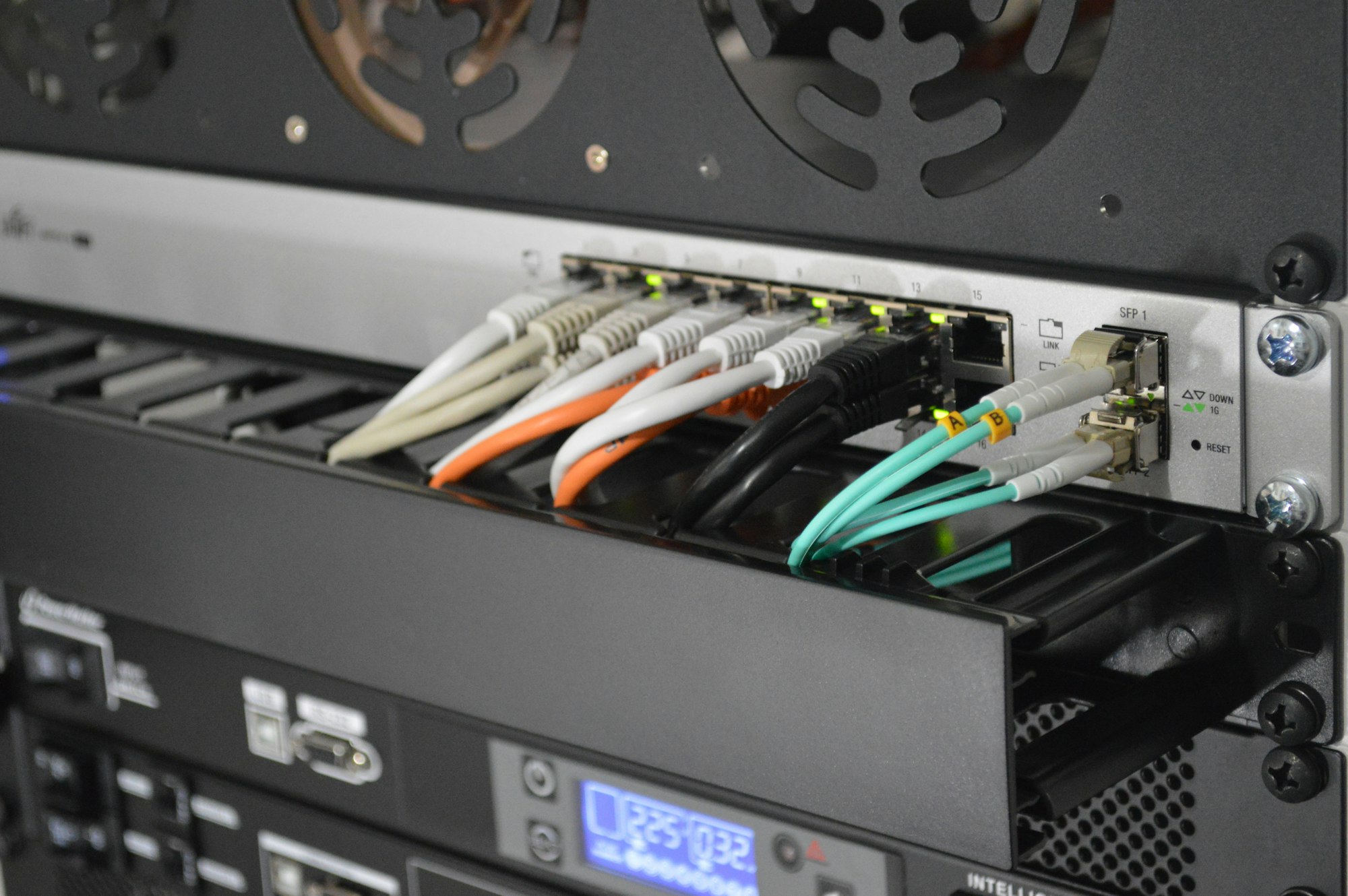
Hardware and Software Requirements
- Computer System: A computer with at least 8GB of RAM and a quad-core processor is recommended. This setup is sufficient to run multiple operating systems simultaneously for a beginner’s lab.2. Networking Equipment: Basic equipment like a router and switch is needed for practicing network-based attacks and defenses.3. Storage: An external hard drive or Network Attached Storage (NAS) for storing virtual machines and tools.4. Virtualization Software: Tools such as VMware or VirtualBox are essential for running multiple operating systems.5. Operating Systems: A mix of vulnerable and secure operating systems, such as Metasploitable, Windows, and Kali Linux, should be installed.6. Security Tools: Essential tools like Wireshark for packet analysis, Burp Suite for web application security testing, and Metasploit for exploit development should be included.
Setting Up the Lab
- Network Isolation: It’s crucial to create a separate network to isolate your lab from your regular home network. This prevents accidental exposure of vulnerabilities to the outside world.2. Virtual Machines (VMs): Set up multiple VMs to emulate different systems within your lab. Typical setups include a VM for Kali Linux, a Linux distribution filled with ethical hacking tools, and a VM running a version of Windows for practicing Windows-specific exploits.3. Tool Installation: Install all the necessary security tools on your virtual machines. This step is crucial for ensuring you have the right tools at hand for various hacking practices.
Ethical Considerations and Best Practices
- Ethical Responsibility: The primary purpose of setting up an ethical hacking home lab is to enhance skills and knowledge without engaging in malicious activities. Hacking into systems without permission is both illegal and unethical.2. Regular Updates: Keep all software and tools up to date to simulate real-world environments and understand the latest vulnerabilities and protection methods.3. Documentation: It’s beneficial to maintain a lab journal for documenting findings and methodologies. This helps in keeping track of your progress and learning.4. Legal Compliance: Always ensure you have proper authorization before attempting to hack any system, even in a lab setting. This is crucial for staying within legal boundaries.
By following these guidelines, you can set up a robust home lab that will serve as a valuable asset in your ethical hacking journey, allowing you to practice and refine your hacking skills in a safe, legal, and controlled environment.
Unpacking the Toolbox: A Look at Open-Source Cybersecurity Tools
Identity Management Tools like OpenIAM, Apache Syncope, and Shibboleth Consortium are revolutionizing identity management with features like single sign-on, user data aggregation, and robust identity governance.
Antivirus Solutions From Avast Free Antivirus to ZoneAlarm, open-source antivirus tools are ensuring robust defense mechanisms against malware and other cyber threats.
SIEM Platforms Apache Metron, AlienVault OSSIM, and ELK Stack exemplify the SIEM (Security Information and Event Management) category, offering capabilities like event correlation, security alerts, and log analysis.
Network Security Network security is bolstered by tools like Wireshark and Nmap, providing in-depth analysis and scanning capabilities for network management.
Web Security OWASP ZAP and ModSecurity stand out in web security, offering scanning and firewall solutions to protect web applications from vulnerabilities.
Incident Response GRR and TheHive offer comprehensive platforms for incident response, aiding in efficient management of security incidents.
Cryptography OpenSSL remains a cornerstone in the cryptography landscape, ensuring secure communication with its SSL and TLS protocols.
Password Management KeePass, with its secure and user-friendly interface, helps in managing passwords effectively.
File Integrity Tools like AIDE ensure the integrity of files and directories, guarding against unauthorized changes.
Endpoint Protection OSSEC provides endpoint protection through its host-based intrusion detection system, enhancing security at the device level.
Vulnerability Scanning OpenVAS stands tall in vulnerability scanning, offering a comprehensive framework for vulnerability assessment and management.
Identity Management
- OpenIAM: Features single sign-on, user and group management, flexible authentication, and automated provisioning.2. Apache Syncope: Manages digital identities in enterprise environments, providing identity lifecycle management and access management capabilities.3. Shibboleth Consortium: Offers web single sign-on and user data aggregation.4. WSO2: Provides CIAM capabilities, API and microservices security, access control, and identity provisioning.5. MidPoint: Combines identity management and governance, offers scalability, auditing, and compliance fulfillment.6. Soffid: Offers single sign-on, identity provisioning, workflow features, and enterprise-wide role management.7. Gluu: Provides authorization server for web & API access management, two-factor authentication, and directory integration.8. Keycloak: Focuses on third-party application identity security, user authentication, and federation.
Antivirus
- Avast Free Antivirus: Offers real-time file analysis, machine-learning tools, and Wifi and Browser Security.2. Panda Free Antivirus: Specializes in USB protections and offers some free VPN services.3. ClamWin: Known for its virus scanner and automatic updates from its Virus Database.4. Comodo: Provides endpoint security and protection against unknown files.5. Windows Defender/Microsoft Security Essentials: Included with new PCs, operates in the background.6. Bitdefender Antivirus Free Edition: Offers behavioral detection and active application monitoring.7. FortiClient: Reduces malware risk, blocks spam URLs, and exploits kits.8. Nano Antivirus: Provides protection against ransomware and offers cloud scanning.9. AVG Antivirus: Offers “Do Not Track” functions and PC tune-ups.10. ZoneAlarm Free Antivirus: Offers data encryption, online privacy options, firewalls, and backup features.
SIEM (Security Information and Event Management)
- Apache Metron: Evolved from Cisco’s Open SOC, provides security alerts, data enrichment, and event storage.2. AlienVault OSSIM: Offers device monitoring, log collection, normalization, and event correlation.3. MozDef: Automates security incident processing, offers scalability, and integrates with third-parties.4. OSSEC: An intrusion detection system that monitors log files and file integrity.5. Wazuh: Evolved from OSSEC, supports agent-based data collection and syslog aggregation.6. Prelude OSS: Supports a wide range of log formats and integrates with other security tools.7. Snort: Provides log analysis and real-time network traffic analysis.8. Sagan: Works with Snort to support its rules and is designed to be lightweight.9. ELK Stack (Elastic Stack): Aggregates logs from various data sources and visualizes data.10. SIEMonster: Combines multiple open-source tools, offers data visualization, and threat intelligence.
Network Security
- Wireshark: A network protocol analyzer that lets you capture and interactively browse the traffic running on a computer network.2. Nmap: A network scanner used to discover hosts and services on a computer network by sending packets and analyzing the responses.3. Snort: An open-source network intrusion prevention and detection system (NIPS/IDS) capable of performing real-time traffic analysis and packet logging.4. OpenVPN: A robust and highly configurable VPN daemon which can be used to securely link two or more private networks using an encrypted tunnel.
Web Security
- OWASP ZAP (Zed Attack Proxy): A web application security scanner which helps you automatically find security vulnerabilities in your web applications.2. ModSecurity: An open-source, cross-platform web application firewall (WAF) that protects your web applications from various attacks.
Incident Response
- GRR (Google Rapid Response): An incident response framework focused on remote live forensics.2. TheHive: A scalable, open-source and free security incident response platform designed to make life easier for SOCs, CSIRTs, and CERTs.
Cryptography
- OpenSSL: A robust, full-featured toolkit for the Transport Layer Security (TLS) and Secure Sockets Layer (SSL) protocols. It’s also a general-purpose cryptography library.
Password Management
- KeePass: A free, open-source, light-weight, and easy-to-use password manager which helps you manage your passwords securely.
File Integrity
- AIDE (Advanced Intrusion Detection Environment): A file and directory integrity checker which is a replacement for the Tripwire open-source software.
Endpoint Protection
- OSSEC: An open-source host-based intrusion detection system that performs log analysis, file integrity checking, policy monitoring, rootkit detection, and real-time alerting.
Vulnerability Scanning
- OpenVAS (Open Vulnerability Assessment System): A software framework of several services and tools offering vulnerability scanning and vulnerability management.
These tools cover various aspects of cybersecurity, from network security and web application testing to incident response and vulnerability scanning. Integrating these tools into your cybersecurity practices can enhance your capabilities in identifying and mitigating potential security threats.
Harnessing Open-Source Power
The power of open-source cybersecurity tools lies in their community-driven development and adaptability. They not only provide robust security solutions but also foster an environment of learning and innovation. Whether you’re a seasoned professional or a budding enthusiast, these tools offer a wide array of options to explore and fortify your cybersecurity practices.
In conclusion, the open-source cybersecurity landscape is rich with tools that cater to various aspects of security, from identity management to vulnerability scanning. Leveraging these tools can significantly enhance your security posture, keeping you a step ahead in the cyber world.