First Anthropic’s Claude found 500+ bugs in open-source libraries. Then it hacked Firefox and found 100+ more. Now OpenAI has entered the ring with Codex Security — and the numbers are even bigger.
What Is Codex Security?
Codex Security is OpenAI’s new AI-powered security agent that does three things:
- Finds vulnerabilities in your code
- Validates them (confirms they’re real, not false alarms)
- Proposes fixes that you can review and deploy
It’s available now in research preview for ChatGPT Pro, Enterprise, Business, and Edu customers — with free usage for the first month.
The Numbers Are Staggering
Over the past 30 days of beta testing, Codex Security scanned 1.2 million commits across external repositories and found:
- 792 critical findings
- 10,561 high-severity findings
That’s across major open-source projects including:
| Project | What It Is | Why It Matters |
|---|---|---|
| OpenSSH | Remote access tool | Used on virtually every server in the world |
| GnuTLS | Encryption library | Protects HTTPS connections |
| GOGS | Git hosting platform | Self-hosted GitHub alternative |
| Thorium | Chromium-based browser | Multiple CVEs found |
| libssh | SSH library | Used in countless applications |
| PHP | Programming language | Powers ~77% of websites |
| Chromium | Browser engine | Basis for Chrome, Edge, Brave, etc. |
Real CVEs Already Assigned
These aren’t theoretical bugs. Several have already received official CVE identifiers (the universal ID system for known vulnerabilities):
- GnuPG: CVE-2026-24881, CVE-2026-24882
- GnuTLS: CVE-2025-32988, CVE-2025-32989
- GOGS: CVE-2025-64175, CVE-2026-25242
- Thorium: 7 CVEs (CVE-2025-35430 through CVE-2025-35436)
How Codex Security Works (Step by Step)
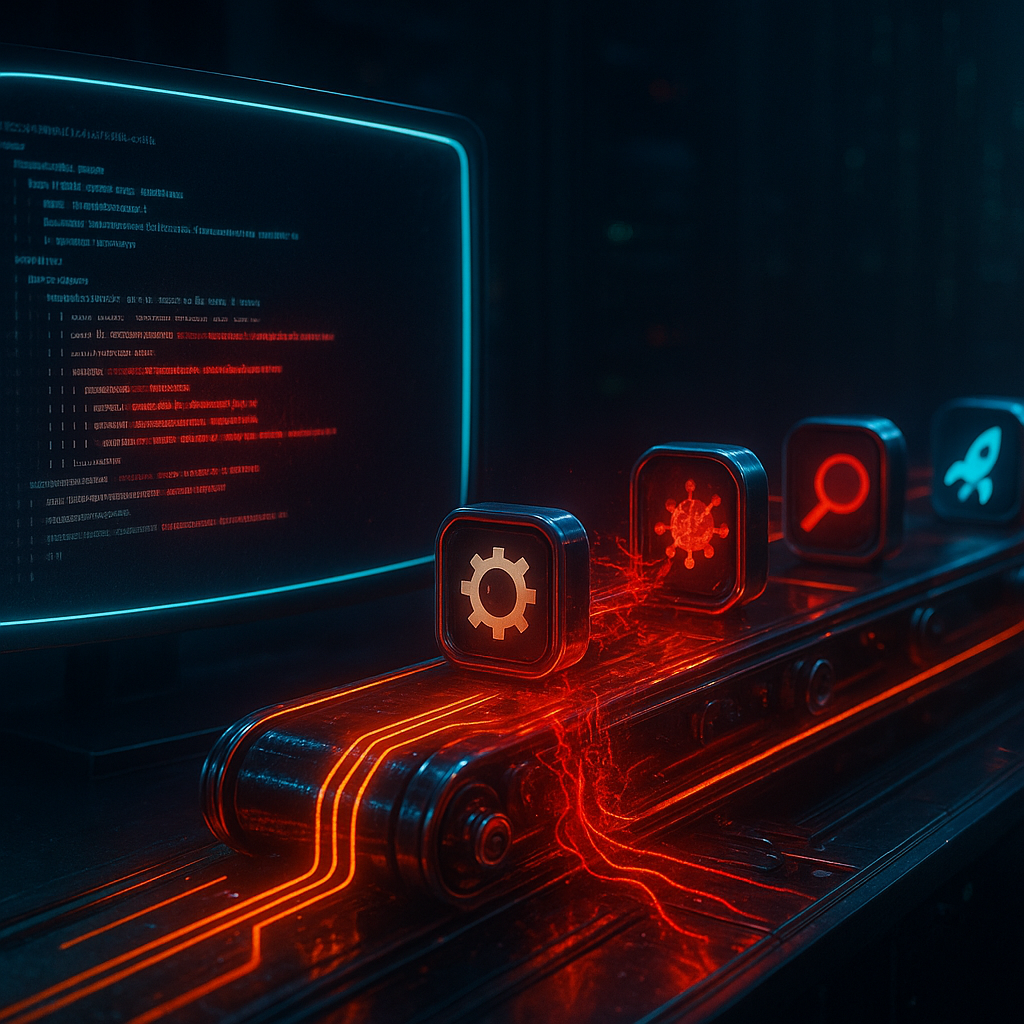
Unlike traditional vulnerability scanners that just pattern-match against known issues, Codex Security works in three intelligent stages:
Stage 1: Understand the System 🔍
Codex Security doesn’t just scan files randomly. It first analyzes your entire repository to understand:
- The project’s security-relevant structure
- What the application does
- Where it’s most exposed to attack
- How different components interact
It generates an editable threat model — basically a map of “here’s what your app does and here’s where the risks are.” You can review and adjust this before it starts scanning.
Stage 2: Find and Classify 🎯
Using the system context from Stage 1, Codex Security:
- Identifies potential vulnerabilities
- Classifies them based on real-world impact (not just theoretical severity)
- Pressure-tests each finding in a sandboxed environment
This validation step is huge. One of the biggest problems with traditional security scanners is false positives — flagging code as vulnerable when it’s actually fine. OpenAI says their false positive rate has dropped by more than 50% across repositories over time.
Stage 3: Fix It 🔧
For each validated vulnerability, Codex Security doesn’t just say “you have a problem.” It:
- Proposes a specific code fix
- Aligns the fix with your system’s behavior to reduce regressions
- Makes the fix easy to review and deploy
This is the DevSecOps dream: find it, validate it, fix it — all before a human has to get involved.
The AI Security Tool Race
We’re now seeing a full-on race between AI companies to dominate code security:
| Tool | Company | Key Achievement |
|---|---|---|
| Codex Security | OpenAI | 10,561 high-severity findings in 1.2M commits |
| Claude Code Security | Anthropic | 500+ high-severity flaws in open-source libraries |
| Claude Opus 4.6 | Anthropic | 100+ Firefox bugs in 2 weeks |
Each approach has a different flavor:
- OpenAI focuses on scale — scanning millions of commits across many projects
- Anthropic focuses on depth — deep reasoning about individual codebases
But they’re converging on the same goal: making it easier to find bugs than to exploit them.
What This Means for Beginners
If You’re Learning to Code:
- Security is no longer optional — AI tools will increasingly be expected in development workflows
- Understand what these tools find — Buffer overflows, injection flaws, authentication bypasses. Learn the patterns
- Use free tiers — Codex Security is free for a month. Use it on your projects and learn from what it finds
- Don’t blindly trust fixes — AI-proposed fixes can introduce new bugs. Always understand what the fix does before applying it
If You’re Learning Security:
- Study the CVEs — Look up the Thorium and GnuTLS CVEs listed above. Read the code. Understand the vulnerability
- Learn threat modeling — Codex Security builds threat models automatically, but understanding how to create one manually is a foundational skill
- Practice on CTFs — The same types of vulnerabilities these tools find are the same ones you’ll encounter in Capture the Flag competitions
- The human advantage — AI finds known patterns faster. Humans find novel attack vectors. Focus on creative thinking
The Bigger Picture
We’re entering an era where:
- Every commit you push could be automatically scanned for vulnerabilities
- Every open-source library you use is being analyzed by AI tools
- Patch speed matters more than ever — if AI can find bugs this fast, attackers can too
The developers and security professionals who thrive will be the ones who embrace these tools while understanding their limitations.
Key Takeaways
- 🚀 OpenAI’s Codex Security scanned 1.2M commits and found 10,561 high-severity issues
- 🎯 Three-stage approach: Understand → Find → Fix (with validation at each step)
- 📉 False positives dropped 50%+ through contextual analysis and sandbox testing
- ⚔️ AI security tool race is heating up between OpenAI and Anthropic
- 🆓 Free for a month — try it on your own projects to learn
- 🧠 Human skills still matter — AI finds patterns, humans find creative attacks
Based on reporting by The Hacker News, March 7, 2026, and OpenAI’s Codex Security announcement.